Rooms at a glance
Each room card says what matters, in words: “3 on”, “1 open”, “Playing”. Tap the card to open the room. Rooms come from your Home Assistant areas.
See it on the wallA wall dashboard for Home Assistant
Nucleum Hub™ turns the tablet on your wall, and every phone and computer in the house, into a clear view of your Home Assistant. Rooms, energy, media, security and your car. One tap to control each of them. No YAML.
On sale from November 2026, with a 60-minute trial on your own home. Then €5 a month, or €49.99 once, plus VAT or sales tax where applicable.
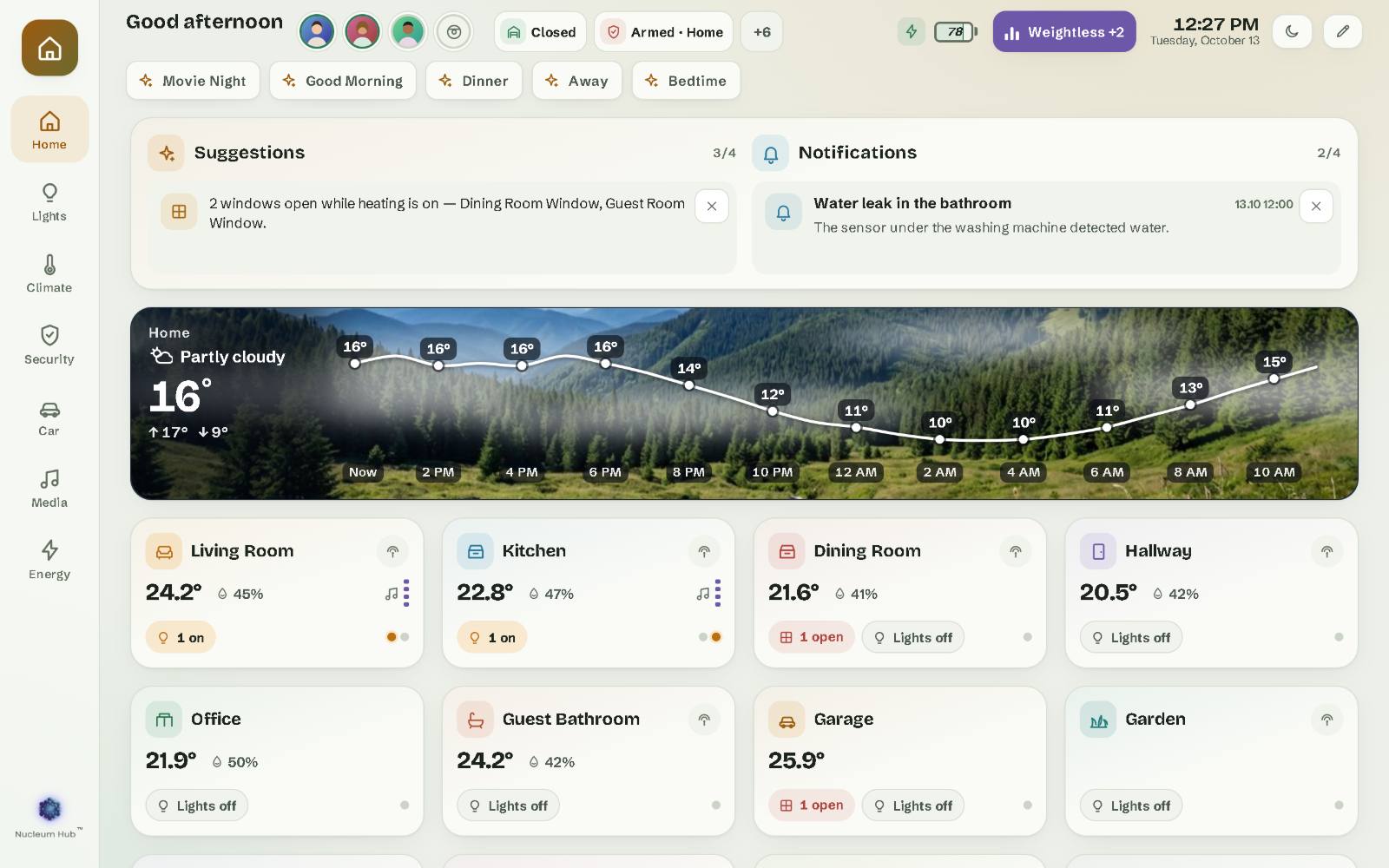
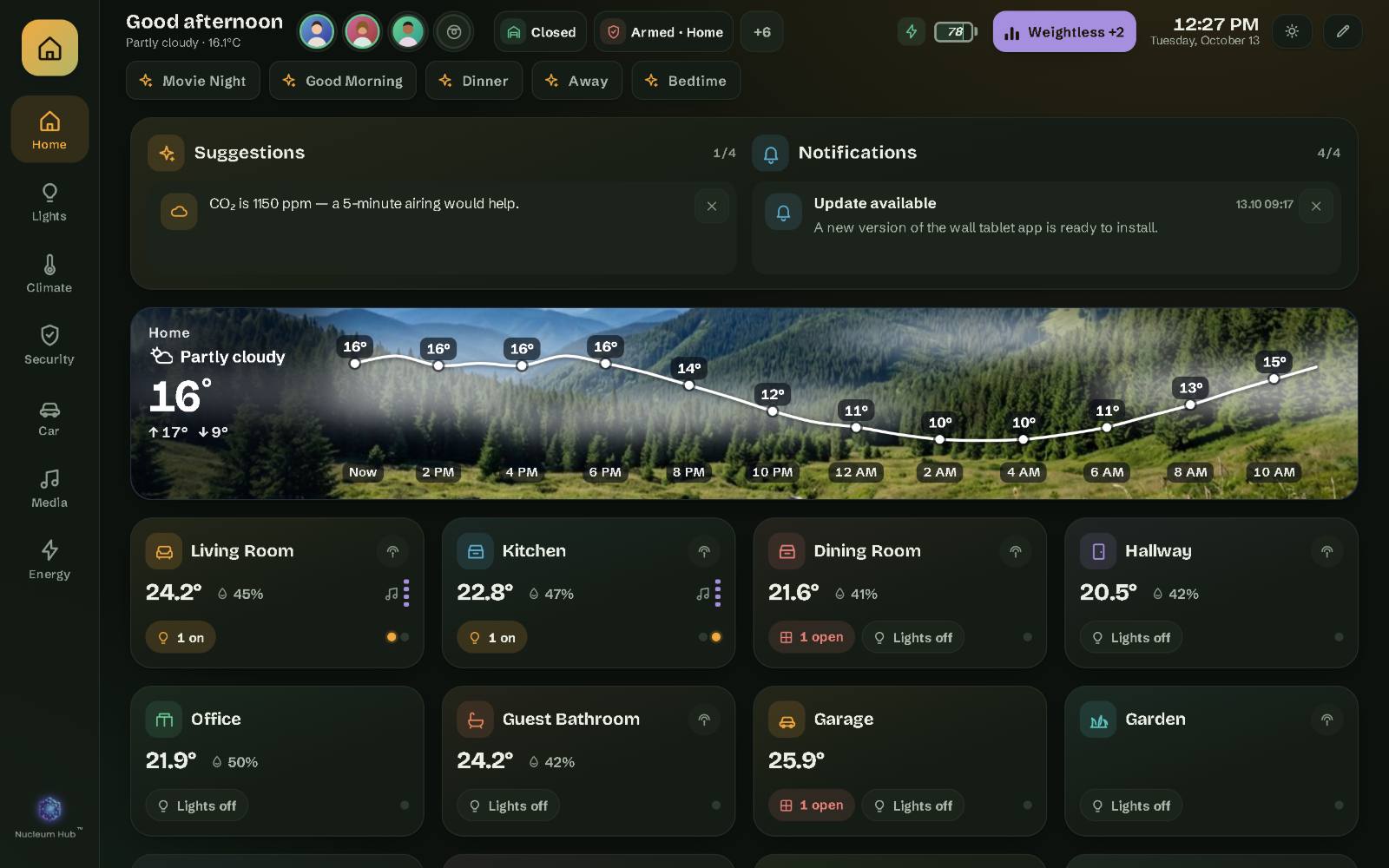
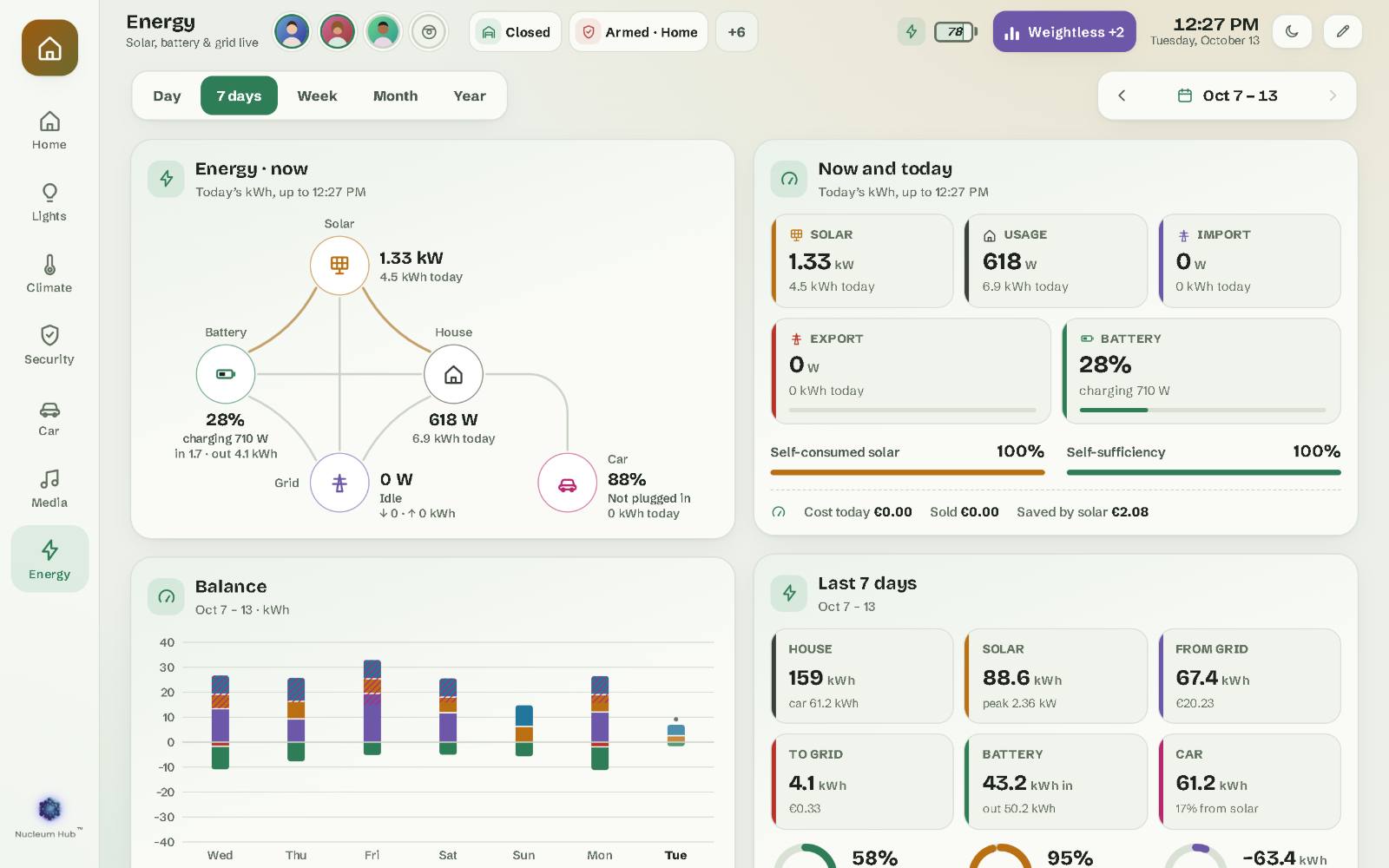
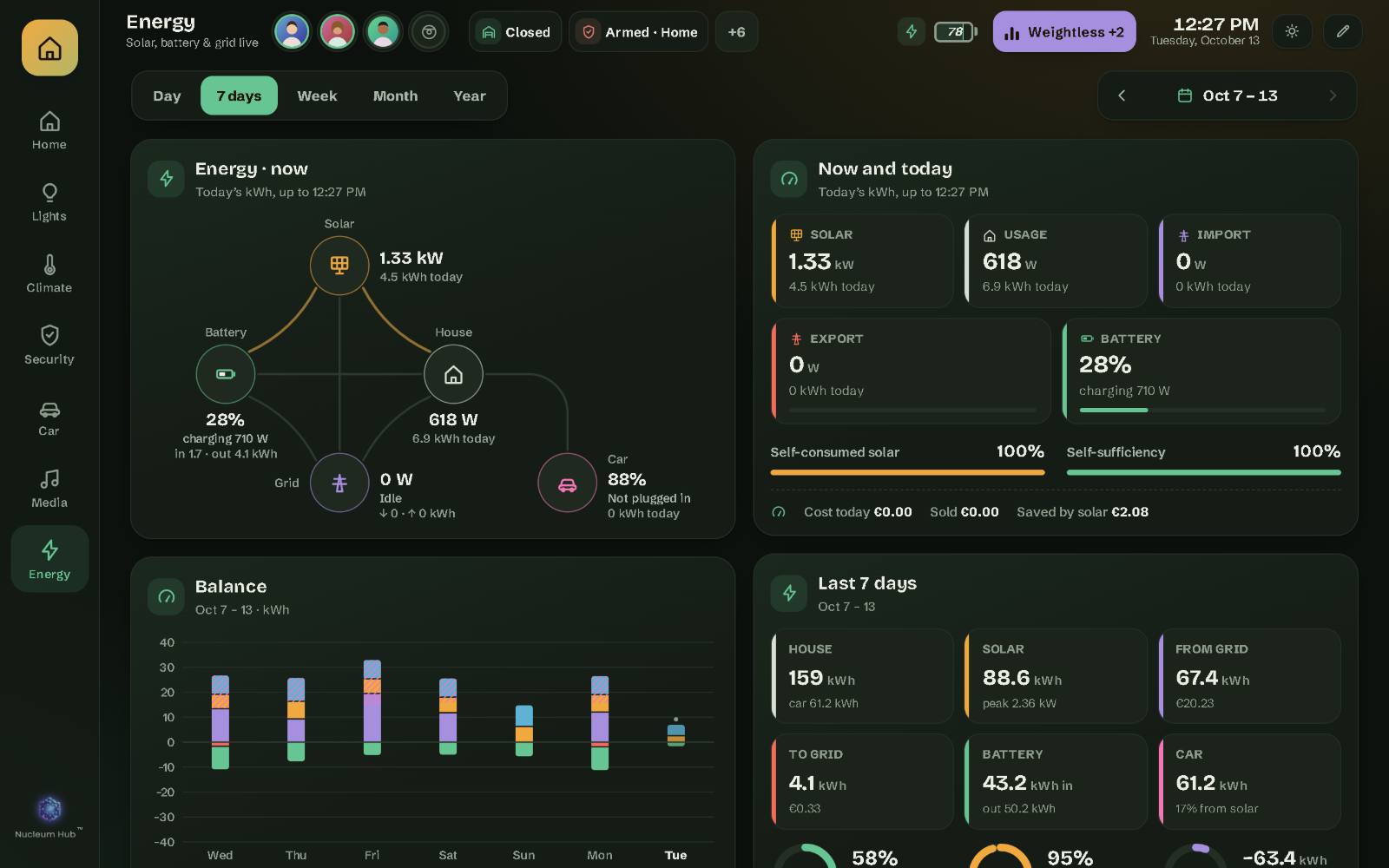
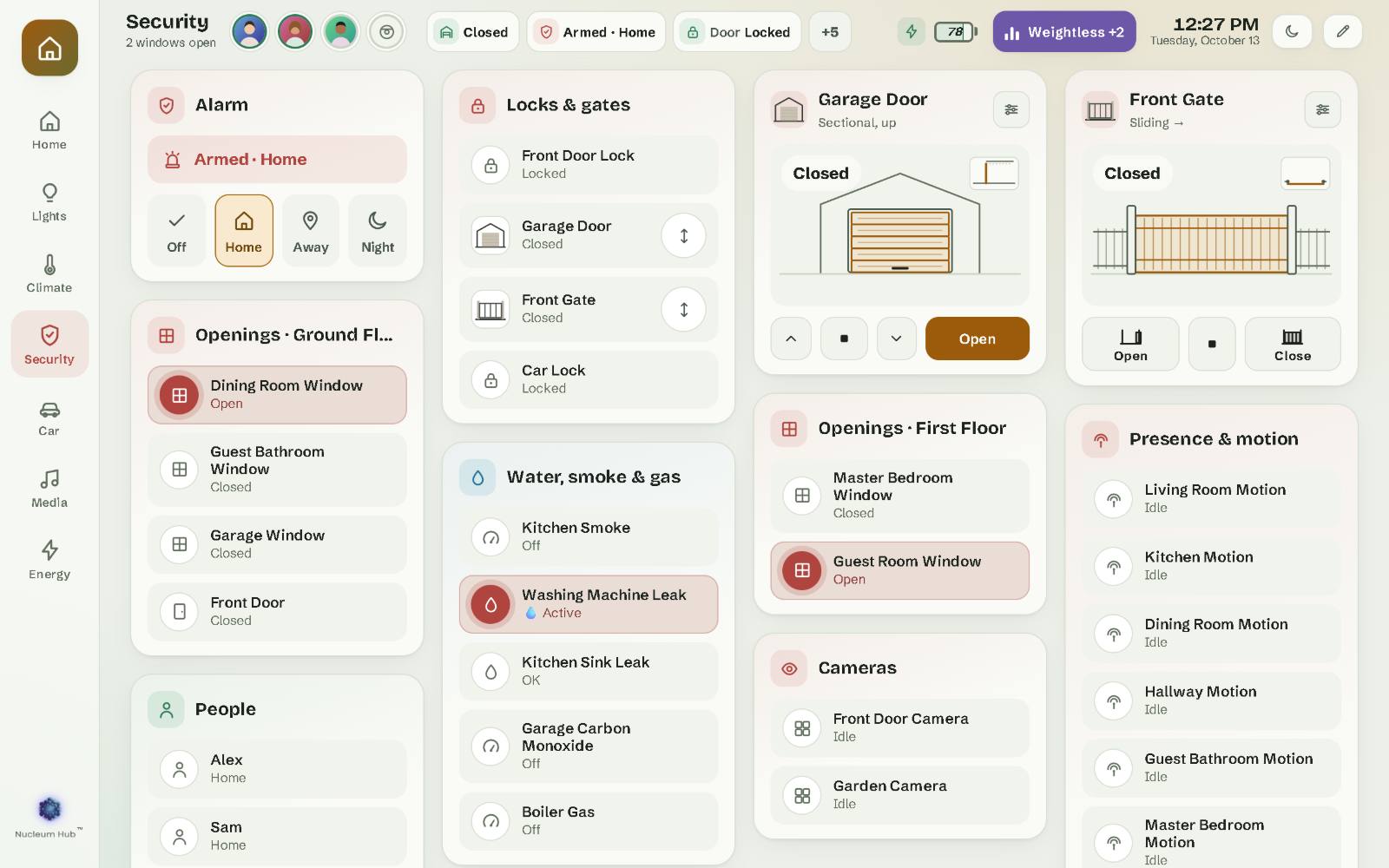
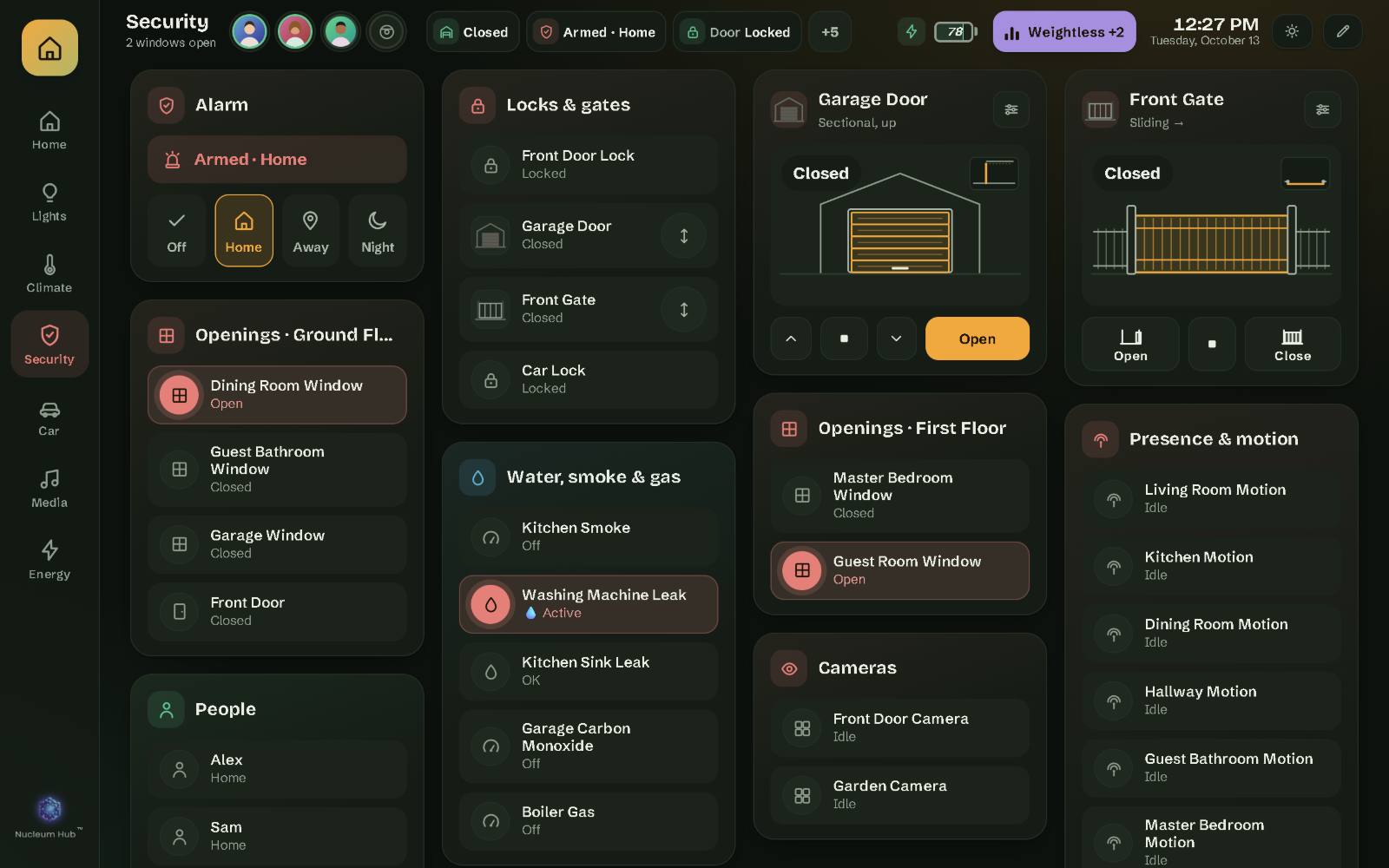
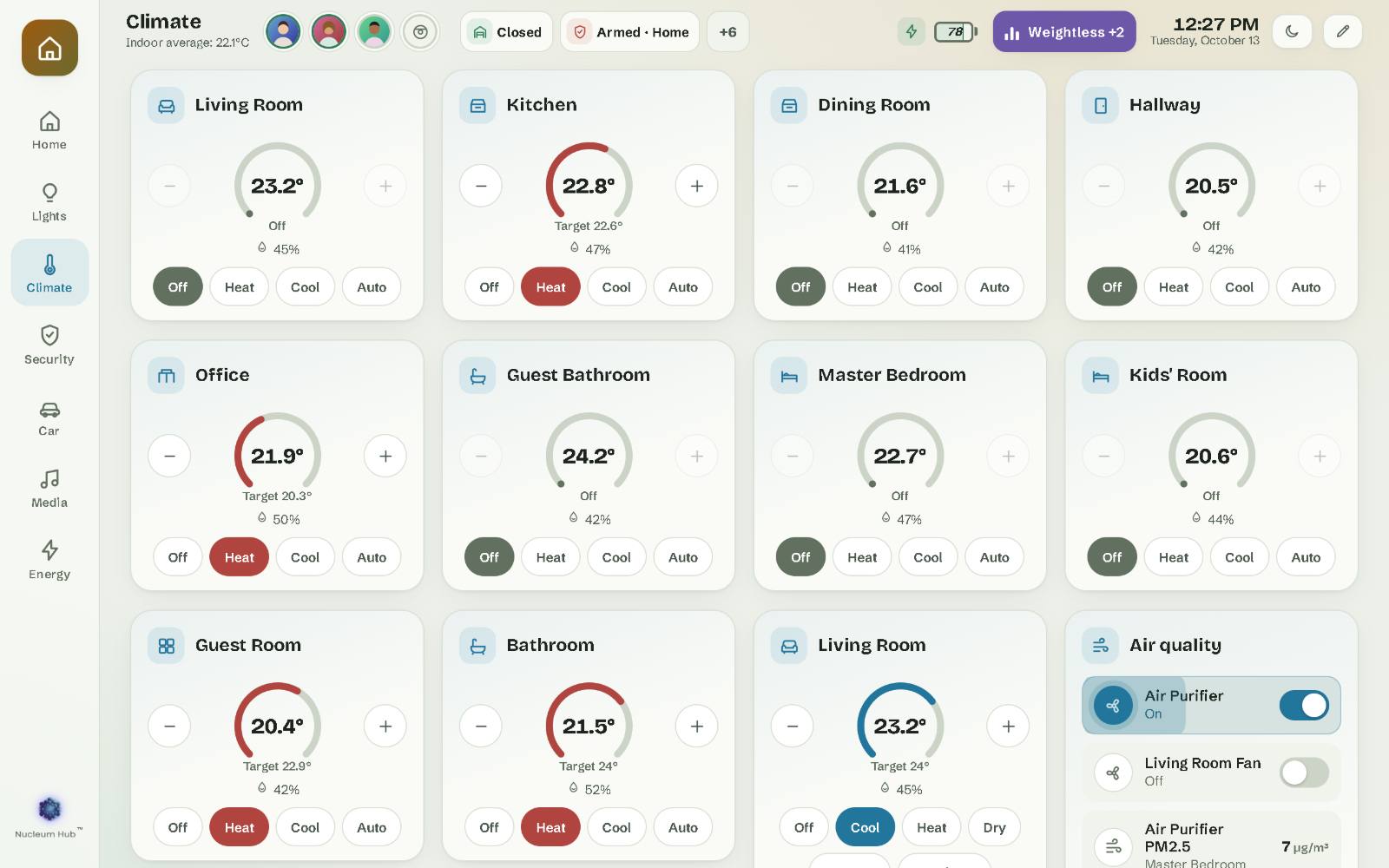
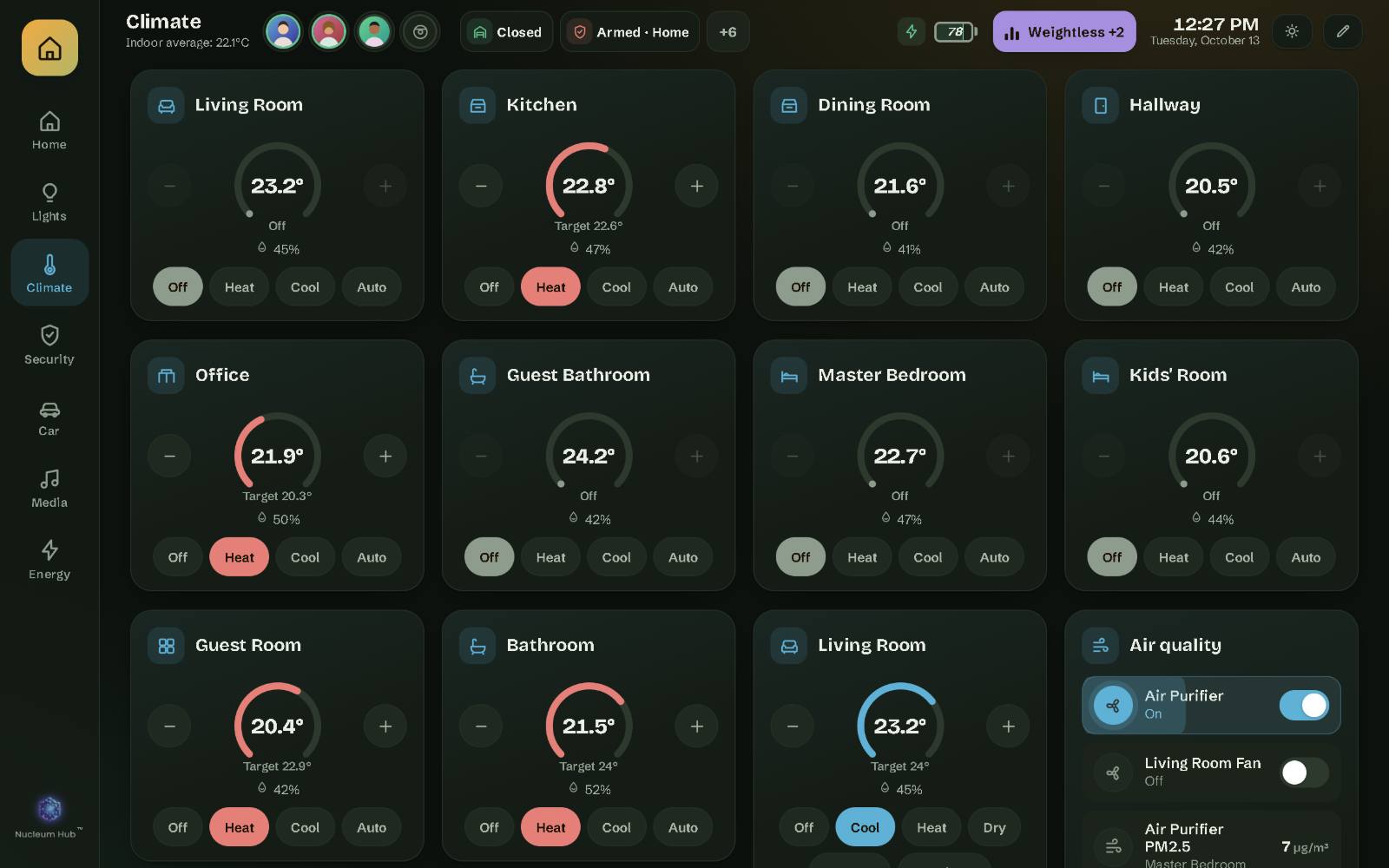
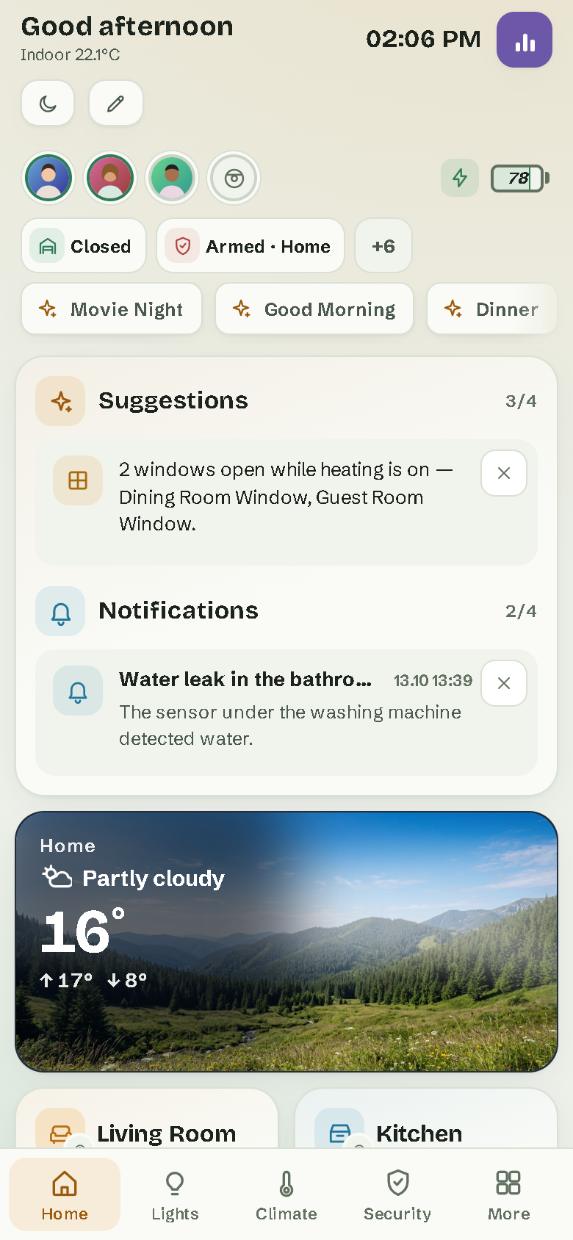
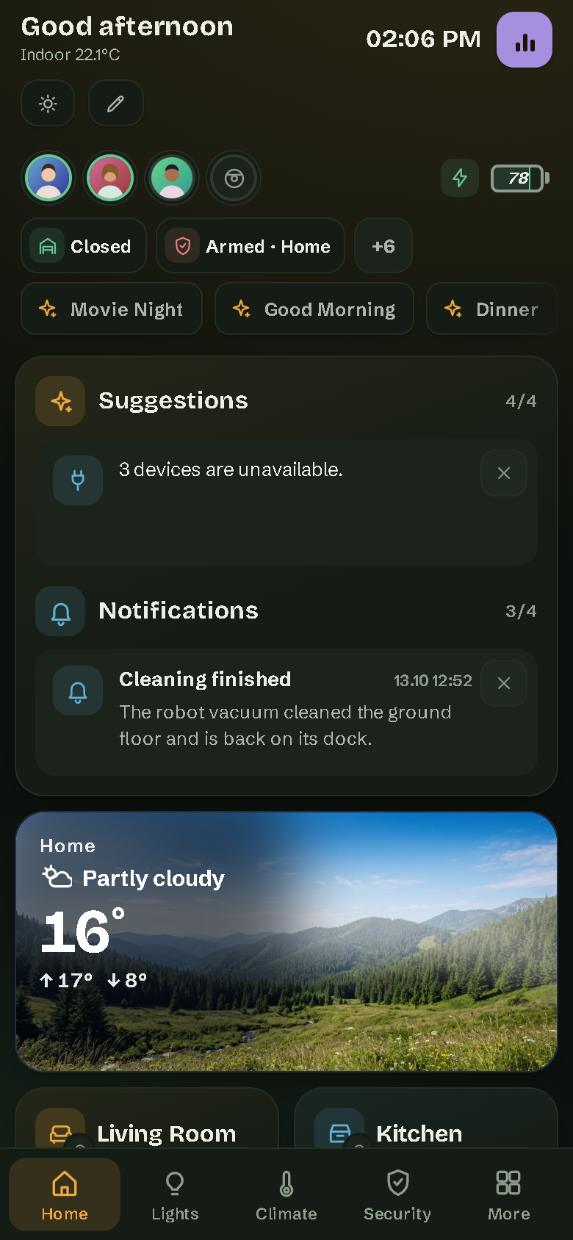
A made-up house in your browser. Sends nothing anywhere.
Each room card says what matters, in words: “3 on”, “1 open”, “Playing”. Tap the card to open the room. Rooms come from your Home Assistant areas.
See it on the wallA live flow between solar, battery, grid, home and car. Charts for a day, a week, a month or a year. It uses the sensors from your Home Assistant Energy settings.
See it on the wallPlayers, speaker groups, the queue, and your Music Assistant library: playlists, albums, artists, radio, search.
Blinds, curtains, gates and garage doors are drawn moving, from the position Home Assistant reports. Five drawing styles.
See it on the wallAlarm, locks, gates, doors and windows, cameras, and the smoke, gas and water sensors. Locks, gates and the alarm ask before they act.
See it on the wallYour setup is saved in Home Assistant, not in a browser. Each screen shows the common dashboard or one of its own, and changes reach the other screens.
See it on the wallThe interface speaks 12 languages, and device states use Home Assistant’s own words in the language you pick.
If Home Assistant cannot be reached, the screen keeps your layout and says what is going on. It never replaces your setup with an empty page.
Nucleum Hub is a dashboard for Home Assistant. It is made for a tablet on the wall, and it works just as well on a phone or a laptop.
It shows what your Home Assistant already knows, room by room: lights, climate, doors and windows, the alarm, music, energy, the car. You read it at a glance and control it with a tap.
It does not replace Home Assistant. It is a new face for it. Your devices, automations and settings stay exactly where they are, and Home Assistant’s own dashboards keep working next to it.
A small integration, installed from HACS, puts Nucleum Hub in the sidebar of every screen.
Who it is not for. Nucleum Hub is a paid product, with support and updates. If you enjoy building your own dashboard from free cards, Home Assistant and its community already give you a lot. And if you do not use Home Assistant, Nucleum Hub cannot run.
Add our repository to HACS with one click, download, restart Home Assistant and add the Nucleum Hub integration. No HACS? Unzip one file into your configuration folder instead.
Open Nucleum Hub from the sidebar on the tablet, the phones and the computers you want. The setup assistant asks for your language and the pages you want, then shows the sensors it found so you can correct them. Each screen can show the common dashboard or one of its own.
Your 60-minute trial starts on its own, or you paste your licence key in the integration’s settings. New versions arrive in Home Assistant under Settings › Updates, and you can go back to an earlier one from HACS.
From November 2026
One trial per Home Assistant installation, and it needs internet to start. Before you add the integration, look around in the demo: it needs no Home Assistant and sends nothing anywhere. Open it on your own tablet too, to see how it runs there before you buy.
The dashboard talks to your Home Assistant, and to nothing else.* Its code loads nothing from the internet: no fonts, no scripts, no trackers, no analytics. It works on a tablet that has no internet at all, as long as it reaches Home Assistant.
Only our integration talks to our server, from your Home Assistant, and only for your licence and the trial. For the licence it sends a licence ID, a random home ID, a scrambled (hashed) ID of your Home Assistant installation and the version. Never your devices, rooms, names or states.
No telemetry. Diagnostics are a file you download yourself and decide whether to send.
Your setup lives in Home Assistant, so it is in your Home Assistant backups.
* One exception: music covers. They come through Home Assistant or the Music Assistant in your home, and a cover your screen cannot show (for example Apple TV artwork on an Android tablet) is converted inside your home by our integration. Only if that fails too does your screen fetch the picture from the music service on the internet, as a last resort, and you can switch this off in Settings.
Our licence server and the feedback we receive are stored in the EU. Privacy policy
€5 a month
+ VAT or sales tax where applicable
Every new version while you subscribe. Cancel any time. Launch offer: €3 (before tax) a month for the first 3 months, for the first 50 subscribers.
€49.99 once
+ VAT or sales tax where applicable
Yours forever, with a year of new versions; then you keep the last one, with the security fixes of its LTS line.
Both plans: one home, unlimited screens and users. Your legal 14 days to withdraw (businesses: the same 14 days, from us). Paddle, our reseller, adds your country's VAT or sales tax, and shows the total before you pay.
Are you an installer? Write to us.
Nucleum Hub is made by Iulian Maracineanu, in Romania. Every support answer is checked and sent by a person. Our target is a first reply within 2 working days, and the same working day if the dashboard stops loading.